Gummyworm
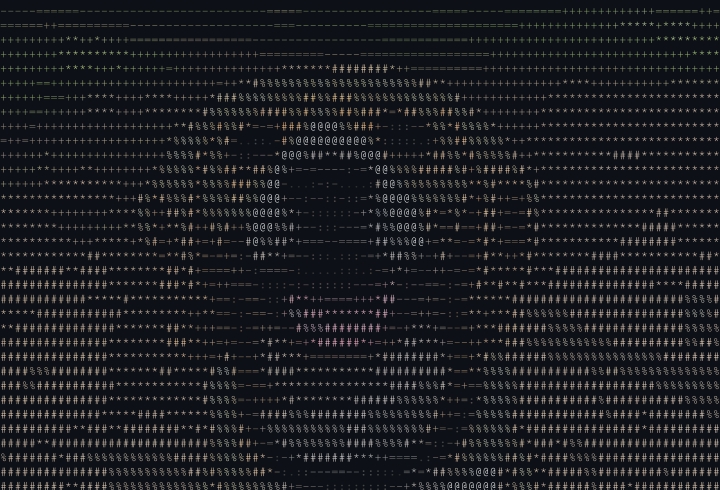
A command-line tool that transforms images into ASCII art with color support and multiple export formats.
The Problem
I wanted to turn images into ASCII art. Not the grainy, monochrome kind from the 90s—actual colorful, detailed ASCII that captures the essence of an image using nothing but text characters.
Existing tools were either limited to basic palettes, produced muddy output, or required complex dependencies. I wanted something that worked from a terminal, supported true color, and could export to formats I could actually use.
What Gummyworm Does
Gummyworm converts images to ASCII art with full color support. Point it at any image—JPEG, PNG, GIF, WebP—and it produces text-based art using configurable character palettes.
# Basic conversion with truecolor
gummyworm photo.jpg --truecolor -w 80

# Convert directly from URL
gummyworm https://example.com/image.jpg --truecolor

# Pipe from other commands
curl -s https://example.com/image.png | gummyworm --truecolor

# Batch convert a directory
gummyworm -r ./photos/ -d ./ascii-output/
The output works in any modern terminal. Or export to multiple formats:
# PNG for sharing on social media
gummyworm photo.jpg -f png -o art.png

# HTML with embedded styles
gummyworm photo.jpg -f html -o art.html

# SVG for scalable graphics
gummyworm photo.jpg -f svg -o art.svg

# Animated GIF from animated GIF
gummyworm animation.gif -f gif -o ascii-animation.gif
Animated GIFs
Gummyworm processes animated GIFs frame by frame, preserving timing and producing smooth ASCII animations. Play them directly in your terminal or export as a new GIF.
Palettes
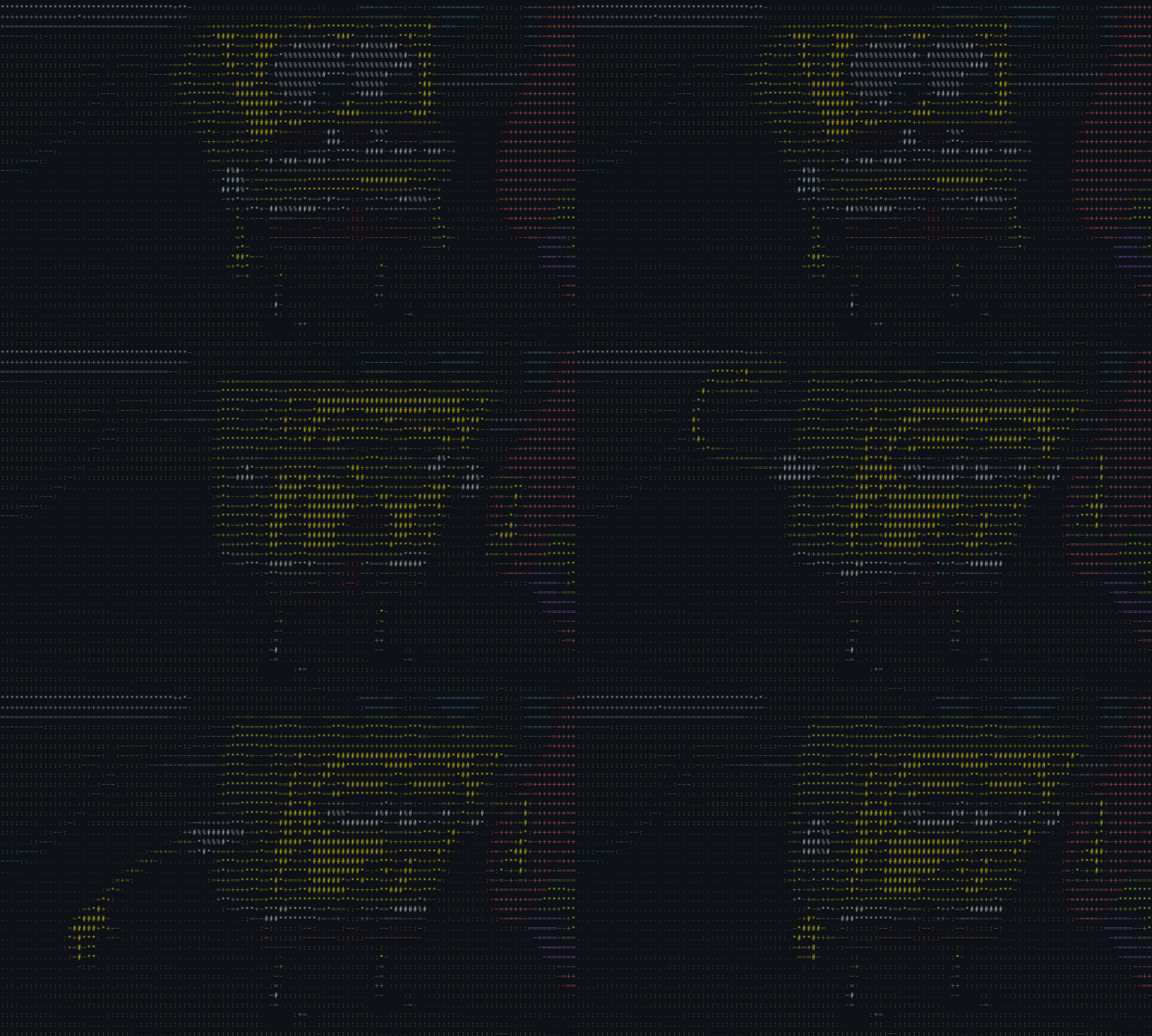
Different character sets produce different aesthetics:
# Standard ASCII - good default
gummyworm photo.jpg -p standard

# Block characters - smooth gradients
gummyworm photo.jpg -p blocks

# Braille dots - stippled effect
gummyworm photo.jpg -p dots

# High contrast silhouettes
gummyworm photo.jpg -p binary

# Moon phase emoji
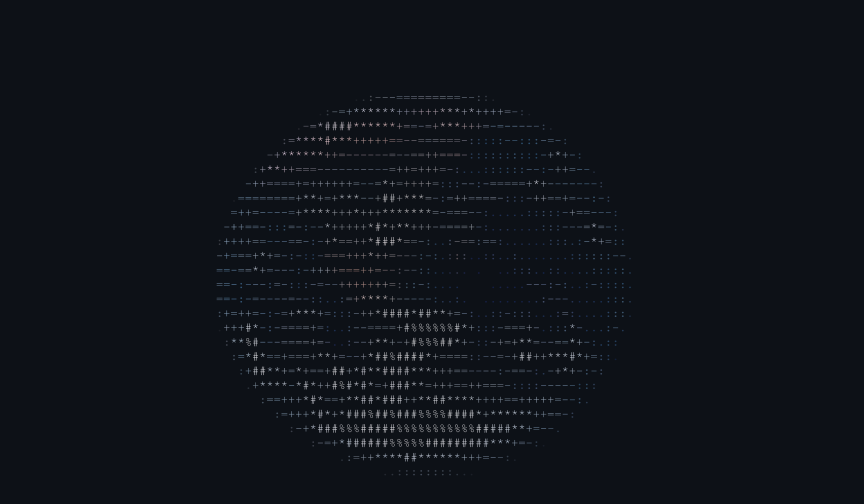
gummyworm photo.jpg -p emoji -w 40
Custom palettes are just text files—characters ordered dark to light:
# Create a custom palette
echo ' .-+*#' > minimal.txt
gummyworm photo.jpg -p minimal.txt
The Algorithm
Converting an image to ASCII is conceptually simple:
- Resize the image to the target character dimensions
- For each pixel, calculate its luminance
- Map that luminance to a character in the palette
- Optionally, capture the pixel color for ANSI output
The details matter. Aspect ratio correction accounts for characters being taller than wide. Color mapping uses perceptual luminance weights (not simple averaging). True color mode preserves the full RGB value for each character.
# Boost dark images
gummyworm dark-photo.jpg --brightness 30

# Increase contrast for more detail
gummyworm photo.jpg --contrast 20

# Invert for light terminals
gummyworm photo.jpg --invert

# Combine adjustments
gummyworm photo.jpg --brightness 10 --contrast 15 --gamma 1.2
Pure Bash
Gummyworm is written entirely in Bash. No Python, no Node, no compiled dependencies beyond ImageMagick for image processing.
This started as a constraint and became a feature. The tool runs anywhere with a Unix shell. Installation is copying a script. There's no virtual environment to manage, no version conflicts to debug.
Performance comes from using awk for pixel processing instead of bash loops. The difference is 10-100x faster. A typical image converts in under a second.
What's Next
Better animated GIF handling. The current implementation works but could be smoother. Support for more export formats—maybe ANSI to clipboard for pasting into terminals directly.
Documentation lives at gummyworm.dev.